![Move4U.png]](https://support.move4u.com/hs-fs/hubfs/Move4U.png?height=30&name=Move4U.png)
Join a meeting, even if you don’t use Microsoft Teams
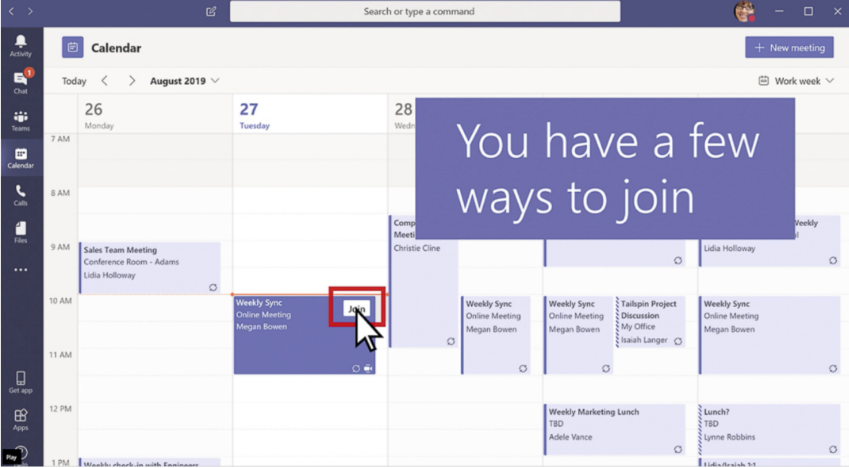
- If you use Teams, simply click the "Join" button on your team’s calendar appointment.
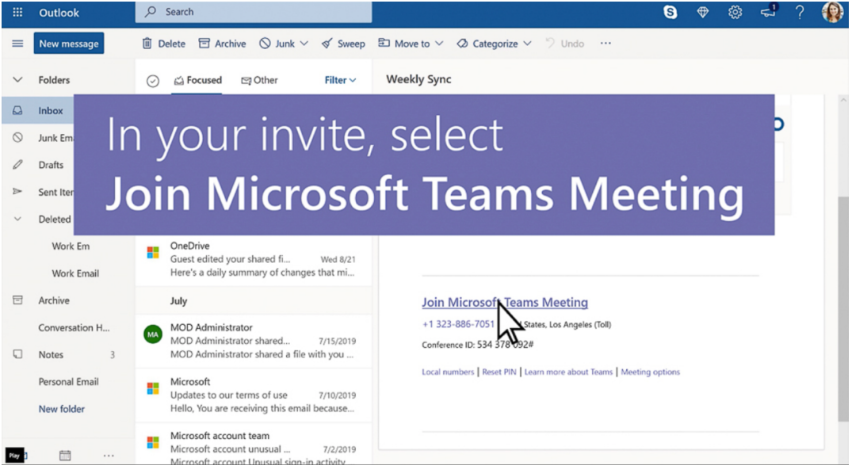
- If you don’t use Teams, click the "Join Microsoft Teams Meeting" link in your email invitation.
- You’ll be prompted to either:
- Install the Teams app and create an account, or
- Join the meeting directly in your web browser no installation or account required.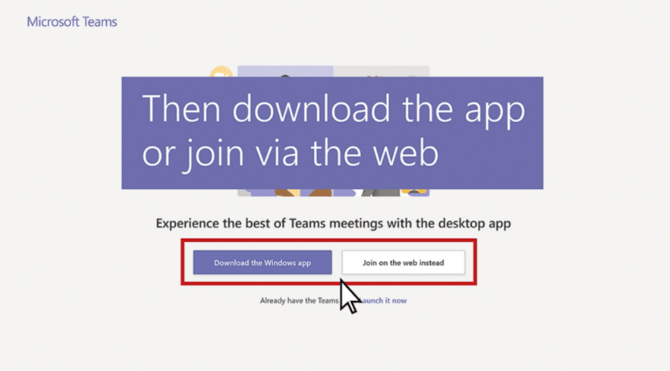
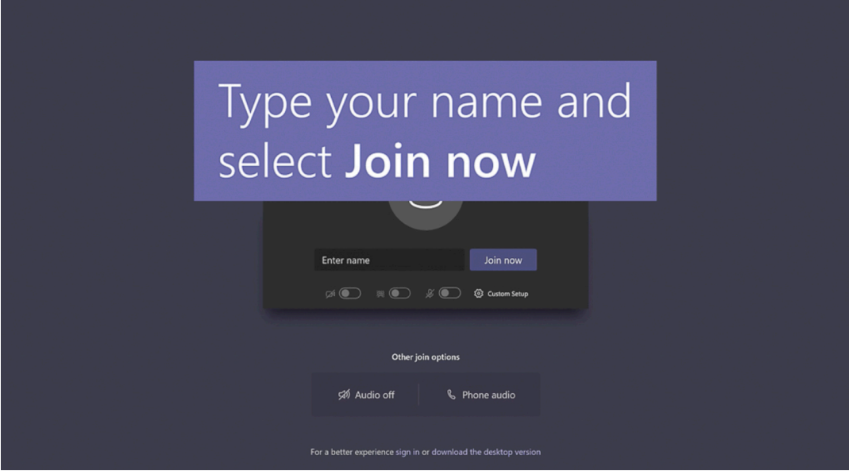
- Clicking the latter will take you to the meeting where you can enter your name and click “Join Now”